COMTASK FZE LLC
United Arab Emirates

“We know the recording exists. We just cannot find it.” For a media institution, training organisation or business with years of records, this can be a familiar frustration. Moving files into cloud storage changes their location. It does not automatically make them useful.
A digital archive should help the right person find the right record, understand its context and use it appropriately. Start with the questions people need answered, then design the collection around them.
Start with a real search task
Ask users to bring requests they struggled to complete: an interview about a particular topic, a signed version of an agreement or the latest approved training material. Observe how they search and what makes the answer trustworthy.
Use those tasks to define the first requirements. A broadcaster may need names, dates, subjects and time references. A business records team may need document type, owner, approval status and version. These examples are starting points; the final design should reflect the collection.
Give every record useful context
Metadata is the information describing a record. Agree a small, consistent set of fields before importing the entire archive. Include a meaningful title, identifier, date, source, description and rights or access information where relevant.
Use controlled terms for subjects that people describe in different ways. For bilingual collections, plan how Arabic and English names, transliterations and titles will be recorded and searched. Test with actual users instead of assuming a single naming convention will work for everyone.
Distinguish the original from the working copy
Keep a clear relationship between the preserved original and copies used for browsing, editing or distribution. Document file formats and maintain an inventory. A backup is valuable, but it is not a complete preservation plan: the team also needs to know what it holds and whether records remain usable.
The National Digital Stewardship Alliance’s Levels of Digital Preservation offer a practical framework covering storage, integrity, control, metadata and content. Use that framework to discuss your current position and priorities, rather than treating a storage purchase as the end of the project.
Use AI to assist discovery, with review
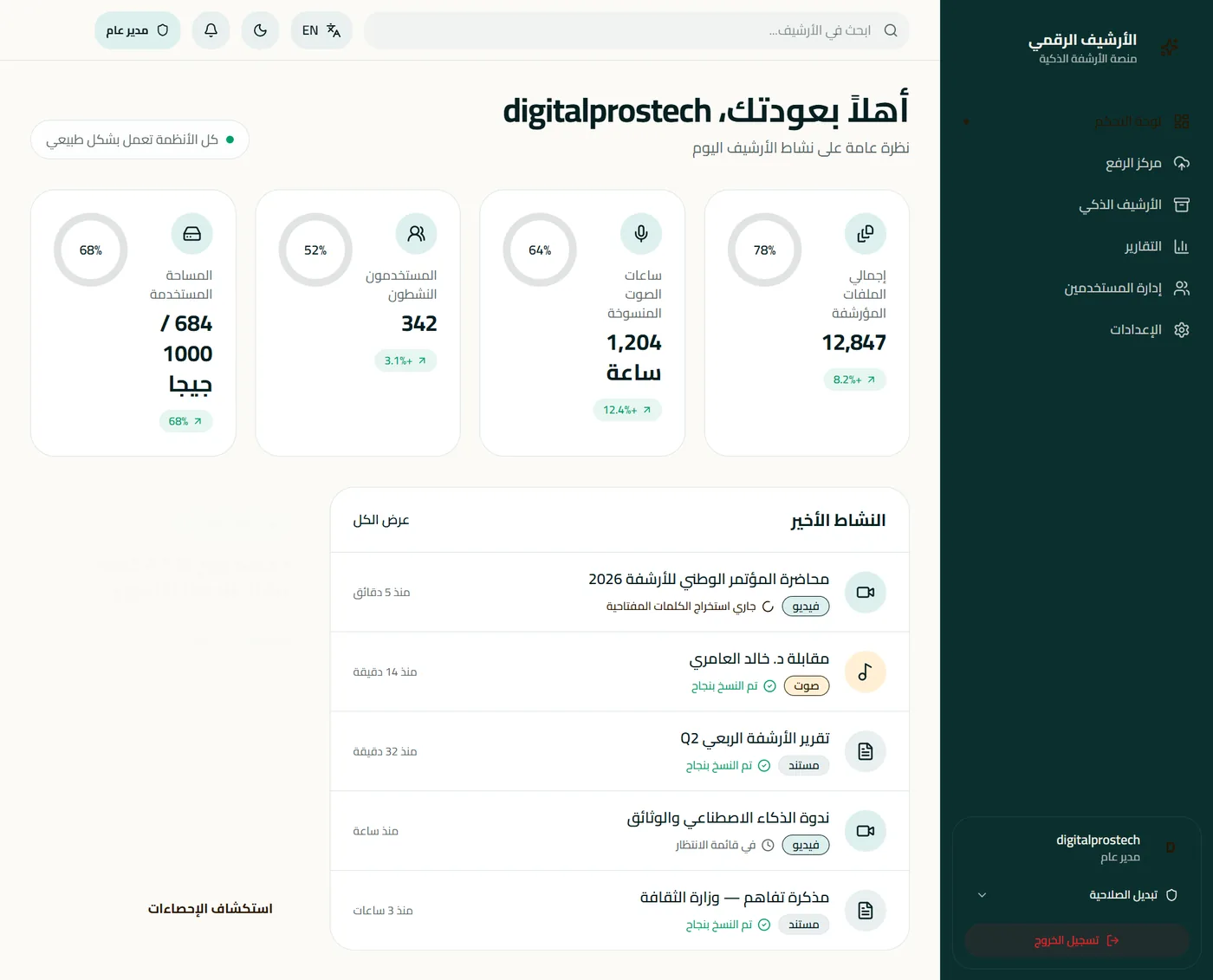
Speech transcription, optical character recognition and suggested tags can help staff work with a large collection. Their quality can vary with audio conditions, language, handwriting, terminology and the material itself. Check a representative sample before committing to a wider rollout.
Mark machine-generated text clearly and define who reviews important records. If users ask an AI assistant questions about the archive, require links to the source record and, where possible, the relevant page or timestamp. An answer should make verification easier.
Access rules must also apply to search and AI tools. A restricted document should not become visible through a summary or search response. Review that behaviour as part of testing.
Pilot a collection you can evaluate
Choose a manageable set with varied formats, languages and access requirements. Define a few search tasks and record completion time, retrieval success and metadata errors. For transcripts, sample the output and document the corrections needed.
Agree what would justify expanding the project. Useful evidence includes users finding the correct record reliably, understanding its status and respecting access boundaries. These are evaluation criteria, not promised performance figures.
Make the archive part of daily work
Assign ownership for adding records, correcting descriptions, reviewing access and handling requests. Without those routines, the archive can become another repository that gradually loses context.
COMTASK connects digital archiving, AI solutions and enterprise IT to support a coordinated approach. Request a consultation to explore the collection, users and practical starting point.
Common questions
Is cloud storage the same as a digital archive?
No. Storage holds files. A usable archive also needs description, access controls, preservation practices and a reliable way to discover records.
Can AI replace archive specialists?
AI can assist transcription, tagging and search. People still need to validate context, manage rights and make decisions about what a record means and how it may be used.
Further reading
NDSA: Levels of Digital Preservation — a framework for planning and assessing digital preservation practices.